

Grimes animated Intro
This project came about in an unexpected way. I had just started teaching a friend some After Effects lessons—she was eager to learn, and I was excited to guide her. After a few sessions, we got into shapes and mattes, so I invited her to create something using those two tools. While she worked on her exercises, I found myself with a bit of free time, and that’s when I started developing this piece.
At the time, Grimes was about to perform in Mexico, and since I had become a big fan of her music a few years earlier, I thought: why not create something fun and personal? I had been feeling a little drained from routine work, so this project turned out to be a refreshing creative break.
The Process
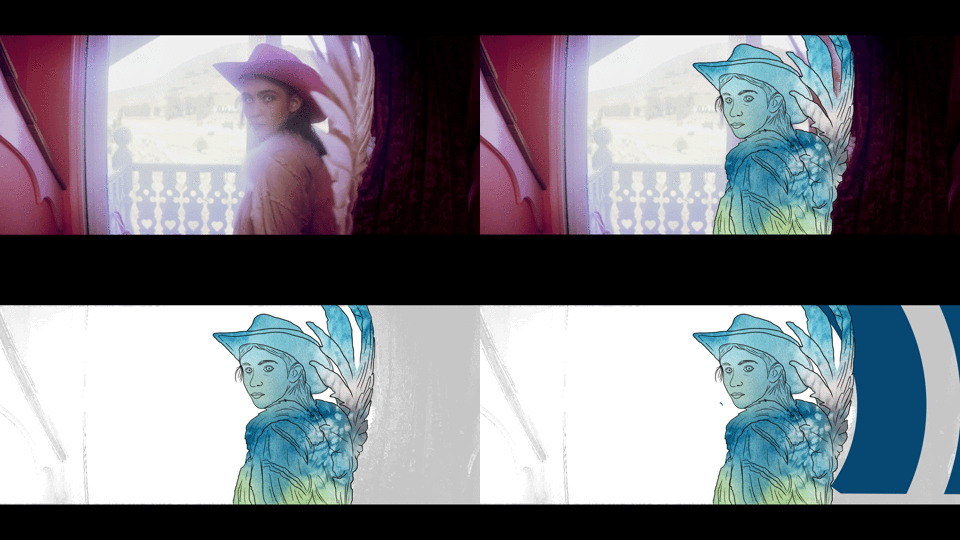
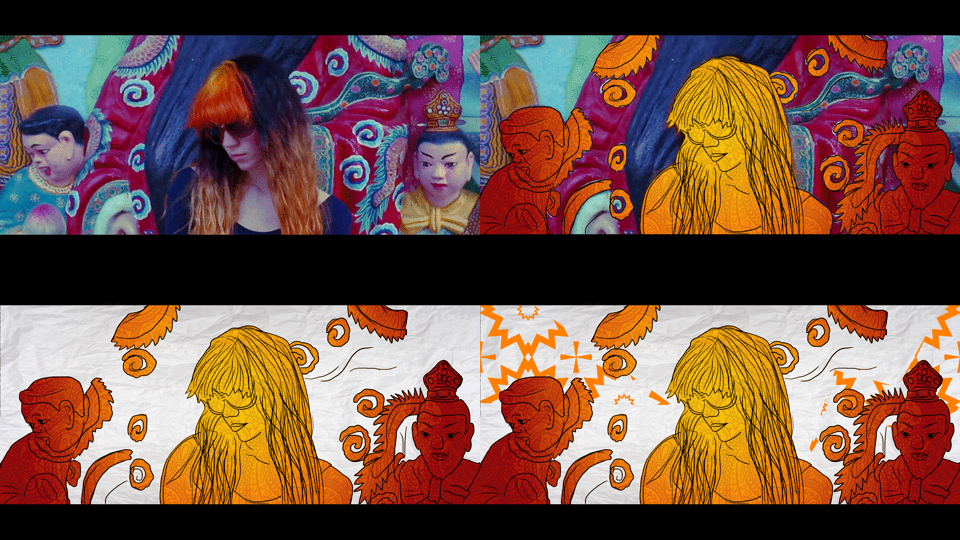
I began in Premiere Pro, cutting together some clips from Grimes’ videos and syncing them to one of my favorite tracks. My first goal was to establish rhythm through the edit. Once I had a sequence I liked, I exported it as a JPG image sequence and brought it into Photoshop as stacked layers. That’s where the real work began—I painted over every single frame by hand.
When all the frames were done, I split the export into two layers: background and foreground. This gave me room to add visuals in between and create a stronger sense of movement. Back in After Effects, I built these additional visuals using shapes and animated elements.
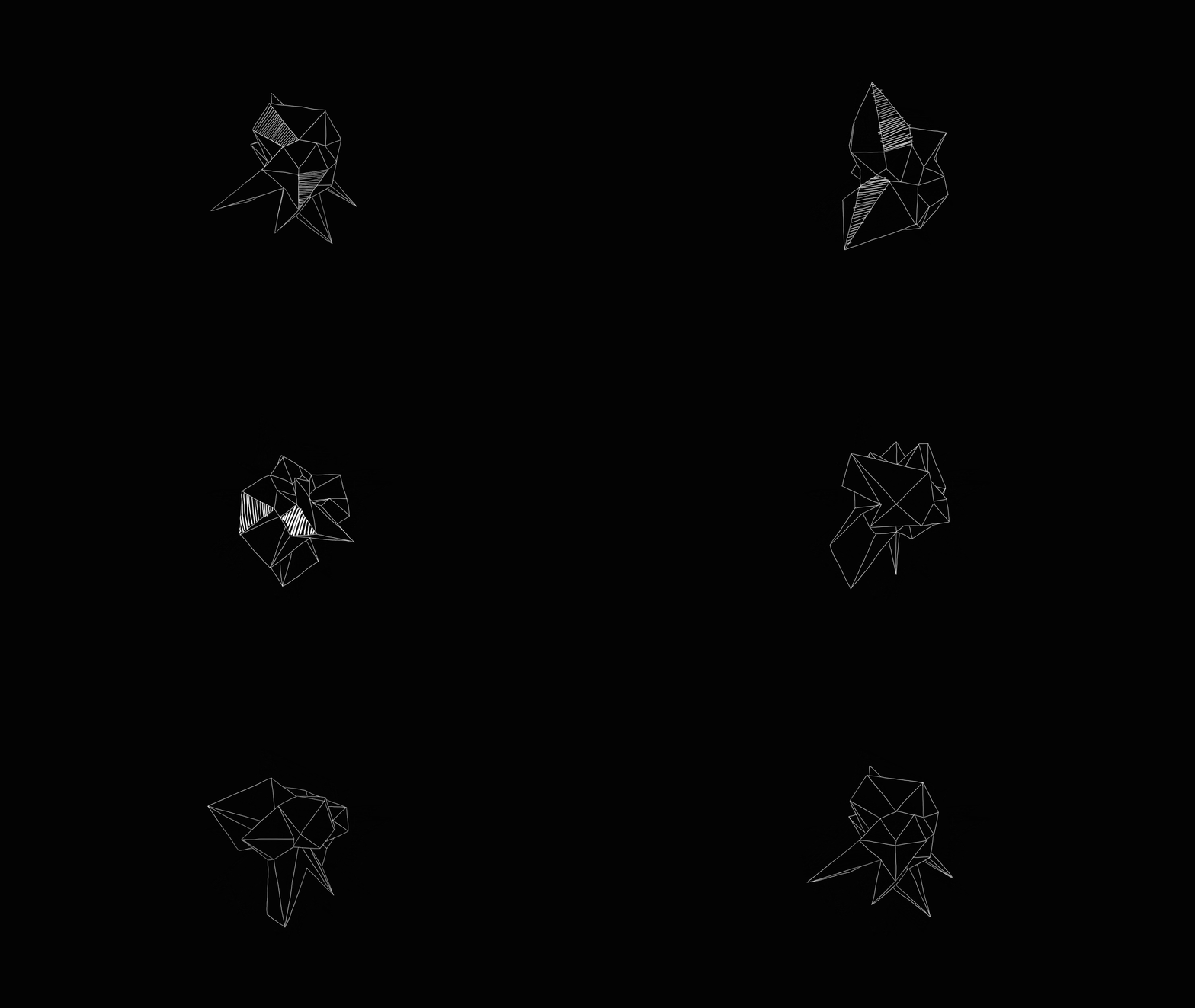
To add variety and depth, I incorporated some 3D details as well. I modeled abstract forms in Cinema 4D and mixed in a few free 3D assets, blending them with the 2D animation to enrich the visual composition.